A handwritten invoice that smudges, a work order with missing details, or a delivery slip no one can read later – those small paper problems turn into real business problems fast. That is why carbonless form printing still matters for companies that need accurate records in the field, at the front counter, or between departments.
For many businesses, digital tools handle part of the job, but not all of it. Service calls, deliveries, approvals, estimates, inspections, and point-of-sale transactions often happen where a fast, physical form is still the most practical option. A well-produced carbonless form keeps information consistent, creates instant copies, and gives your staff a document they can use without extra steps.
What carbonless form printing is actually for
Carbonless forms are multi-part forms that transfer writing from the top sheet to the sheets below without needing a separate carbon insert. When someone writes on the first page, the pressure creates a copy on the next page or pages. That simple function makes them a dependable choice for businesses that need duplicate or triplicate records on the spot.
Invoices are a common example, but they are far from the only one. Contractors use them for work orders and change orders. Auto shops use them for repair authorizations. Restaurants and event teams may use them for order tracking. Schools, nonprofits, and local organizations often rely on them for registrations, receipts, and internal approvals.
The value is not just convenience. It is consistency. Everyone involved gets the same information at the same time, and the chance of lost details drops significantly.
Why carbonless form printing still makes sense
There is a reason these forms have stayed relevant. They solve a very specific operational problem better than many digital workarounds do. When your team is mobile, working with customers face to face, or operating in environments where devices are inconvenient, paper still has an edge.
Carbonless forms are fast to use. They do not depend on battery life, signal strength, login access, or staff comfort with software. They also create a natural paper trail. One copy can stay with the customer, one can go back to the office, and one can remain in the book for internal reference.
That said, carbonless forms are not automatically the right answer for every process. If your workflow depends on searchable records, automated reporting, or remote approvals, a digital system may do more heavy lifting. In many businesses, the best approach is a mix of both. The paper form captures information where the work happens, and the office later enters key details into a digital system.
Choosing the right format for carbonless forms
The details matter more than most buyers expect. A form that looks fine on screen can become frustrating in daily use if the size, sequence, or layout is off.
Two-part forms are common when one copy goes to the customer and one stays with the business. Three-part forms are useful when accounting, operations, and the customer each need a copy. In some cases, four-part forms make sense, but only if every copy has a clear purpose. Extra sheets add thickness and cost, so more is not always better.
Form size should reflect how the document is used. Full-page forms give you room for line items, terms, signatures, and notes. Half-page forms can work well for simple receipts or service confirmations. If your staff writes in vehicles, on counters, or while standing, smaller formats may be easier to manage.
Then there is the question of loose sets, books, or pads. Loose sets are useful if forms get filed immediately. Booked forms are better when you want a built-in record of what was issued. Numbering also matters. Sequential numbering helps with tracking, reconciliation, and reducing errors, especially for invoices, purchase orders, and receipt books.
What to include in a strong carbonless form layout
A good form should do two jobs at once. It needs to represent your business professionally, and it needs to guide the user through the transaction clearly.
Start with the basics: company name, contact information, and enough space for customer details. From there, the form should follow the natural order of the job. If people have to jump around the page to complete it, mistakes are more likely.
Leave enough room for handwriting. This is one of the most common issues with poorly planned forms. Tight fields may look efficient, but they slow people down and make copies harder to read. If employees often record model numbers, addresses, job descriptions, or special instructions, give those areas proper space.
Think carefully about checkboxes, line items, totals, signatures, and dates. These are often the most used elements, so they should be easy to spot and complete. If your business has standard service categories or common options, preprinted fields can save time and improve consistency.
A clean design also helps later when forms are reviewed in the office. Staff should be able to scan the page quickly and find the information they need without guessing.
Paper sequence, ink, and readability
Not all carbonless forms perform the same way. Paper sequence and print setup affect how readable the copies are.
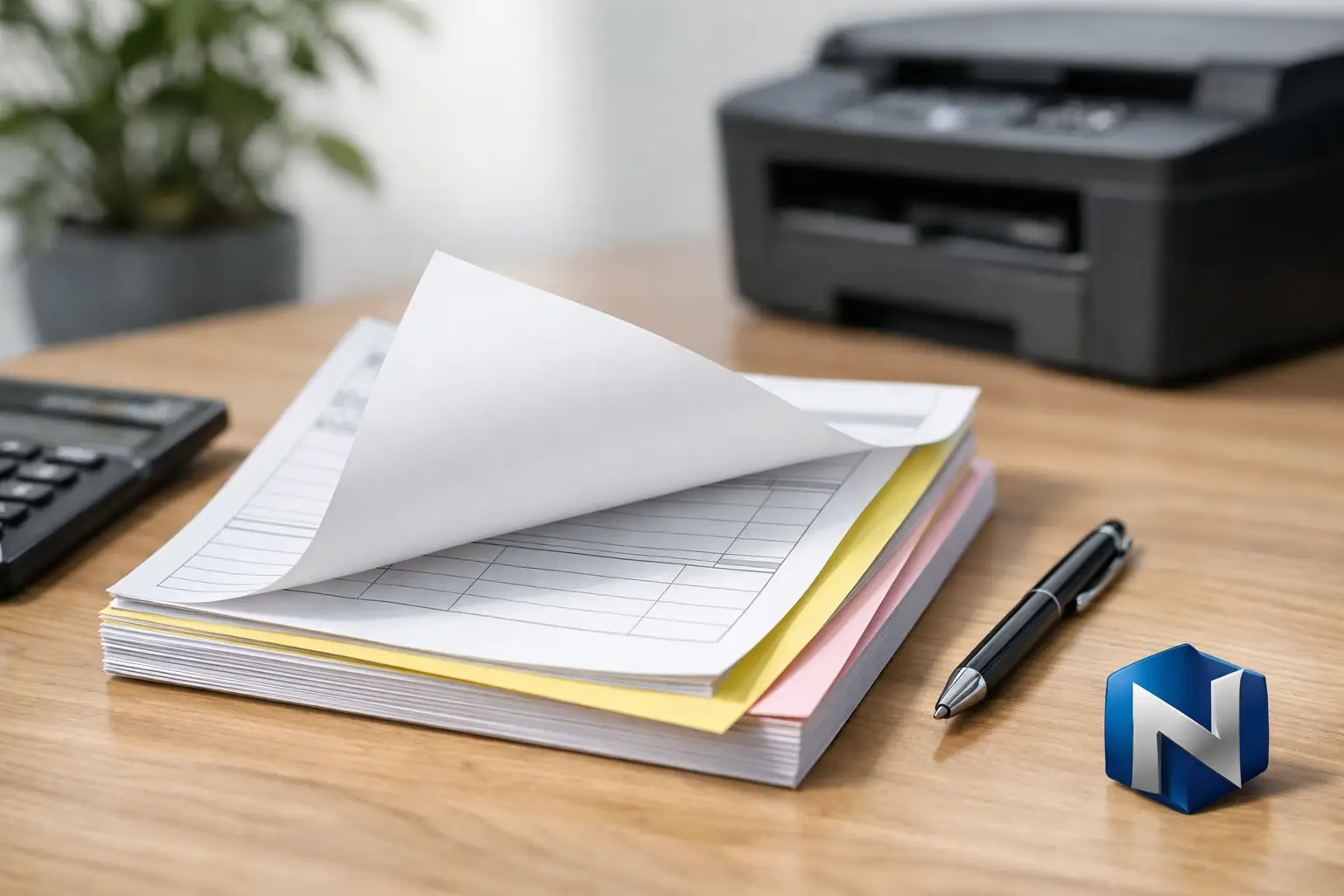
Most businesses use a white top sheet followed by colored copies such as yellow, pink, or blue. The color coding is practical. It helps staff identify which copy goes where without reading every page. If accounting always keeps the yellow copy and the customer receives the white copy, the process becomes automatic.
Ink choice matters too. Black ink is the standard for a reason. It gives strong contrast and reliable legibility across all copies. Additional spot colors can be useful for branding or to highlight key fields, but too much design can interfere with function. On operational forms, clarity should come first.
If the form includes fine lines, shaded boxes, or very small type, the lower copies may become harder to read after writing pressure transfers through multiple sheets. This is where experienced print planning makes a difference. The goal is a form that looks professional and works under real-world conditions, not just one that looks good as a proof.
Common mistakes businesses make with carbonless form printing
One of the biggest mistakes is treating forms like a minor office supply rather than a working business tool. When the layout is rushed, the result is usually familiar: handwritten notes squeezed into margins, staff skipping fields, or customers leaving with incomplete paperwork.
Another common issue is ordering a form based only on price. Cost matters, but so does usability. If a cheaper form slows down staff, creates billing errors, or causes rework, it is not actually the lower-cost option.
Overcomplicating the form is another problem. Some businesses try to fit every possible scenario onto one sheet. The result can be cluttered and confusing. In many cases, it is better to keep the core form simple and add a second specialized form only when needed.
Finally, many companies wait too long to update old forms. If your phone number changed, your workflow evolved, or staff keep handwriting the same corrections onto every set, the form is due for a redesign.
When custom carbonless form printing is worth it
Generic stock forms can work for very simple tasks, but custom forms pay off quickly when your process has specific information requirements. If your team repeatedly writes the same service categories, tax details, approval language, or job references by hand, custom printing can save time on every transaction.
Custom forms also support consistency across departments and locations. That is especially useful for organizations that want cleaner records, stronger branding, and less variation in how paperwork is completed.
For local businesses that rely on repeat customers and referrals, presentation still matters. A clean, branded invoice or service form signals that your operation is organized and dependable. It may not be flashy, but it reinforces professionalism at the exact moment a customer is deciding how they feel about doing business with you.
A local print partner can also help you make practical decisions before anything goes to press. That includes quantity planning, numbering, padding or booking, and whether your current layout will actually hold up in daily use. For businesses in Kamloops and surrounding communities, that kind of hands-on guidance often saves more time than trying to sort it out through trial and error.
Getting better results from your next order
Before you reorder or create a new form, look at how your current one performs in the field. Ask your staff what they skip, what they rewrite, and what customers ask about most often. Those details usually tell you more than a mockup ever will.
It also helps to think one step beyond the transaction. Who files the form? Who reads it later? Who depends on the copy being clear? The best carbonless forms are built for the entire workflow, not just the moment someone signs the page.
When carbonless form printing is planned well, it becomes one of those quiet business tools that keeps everything moving. Orders are clearer, records are cleaner, and your team spends less time fixing paperwork after the fact. That is a small upgrade with a very practical payoff.