A business does not look organized because its logo appears on a business card once. It looks organized when every customer-facing and operational document carries the same level of care. This guide to business stationery systems explains how to build a practical set of printed materials that supports daily work, protects your brand, and prevents last-minute ordering problems.
For a small business, school, nonprofit, or growing organization, stationery is not just an administrative expense. It is the paperwork that moves quotes, invoices, approvals, event details, correspondence, and presentations forward. When these pieces are inconsistent, outdated, or difficult to reorder, staff lose time and customers notice.
Start With the Work Your Documents Need to Do
A stationery system should be built around how your organization operates, not around a generic checklist. A contractor may need quote forms, work orders, invoice books, vehicle decals, and presentation folders. A professional office may rely more heavily on letterhead, envelopes, appointment cards, branded folders, and polished proposal materials. A school or community organization may need registration forms, newsletters, event tickets, posters, and labels.
Begin by identifying the documents your team uses repeatedly. Look at what is sent to customers, what moves between departments, and what employees reach for during a busy week. The goal is to separate essential recurring pieces from occasional one-off items.
A useful system usually includes three layers. The first is correspondence material, such as letterhead and envelopes. The second is operational material, including forms, invoices, carbonless pads, labels, and order sheets. The third is presentation material, such as business cards, folders, brochures, booklets, and inserts. Each layer deserves the same brand standards, but not every item needs the same paper stock or print treatment.
Build a Clear Guide to Business Stationery Systems
The strongest stationery systems have a simple source of truth: an approved set of files, specifications, and reorder details. This can be a shared internal document managed by an office administrator, marketing lead, or operations manager. It should state which version of each piece is current and who is authorized to approve changes.
For every item, record the finished size, paper stock, color specifications, quantity, finishing details, and the location of the approved artwork. Include notes on whether the piece is printed digitally, requires variable data, uses sequential numbering, or needs carbonless copies. These details avoid costly guesswork when a staff member needs to reorder materials six months later.
It also helps to establish a naming convention for files. A label such as “Letterhead_Current_2026” is far more useful than “letterhead final final 2.” Keep old versions in an archive rather than leaving them mixed in with active files. That way, discontinued phone numbers, previous logos, and former staff details do not return to circulation by accident.
Keep Brand Elements Consistent
Your logo, typefaces, colors, spacing, and contact information should be consistent across the system. Consistency does not mean every item has to look identical. A sales brochure can be more visual than an invoice, while a letterhead may need plenty of open space for correspondence. The common thread is that each piece should clearly belong to the same organization.
Color deserves particular attention. A logo that appears deep blue on a business card but washed out on a folder can weaken the professional impression you have worked to build. Digital presses offer excellent color control for many business applications, but paper selection, file setup, and the intended use of the piece all affect the result. A knowledgeable print partner can help match your chosen colors and recommend practical specifications for repeatable results.
Choose Paper Based on Purpose
Paper is functional. It affects how an item feels, how it writes, how it folds, and how long it lasts in a customer’s hands.
Business cards and presentation folders often benefit from a heavier cover stock because they need to feel substantial and stand up to handling. Letterhead needs to run properly through office printers and accept handwriting or signatures. Forms may require uncoated paper for easy completion, while brochures and menus may call for coated stock that supports rich images and is easier to wipe clean.
There are trade-offs. A heavier, more premium stock can make a strong impression, but it may not be suitable for materials that must be mailed in volume or fed through a desktop printer. A glossy finish can make photos look sharp, but it is less practical when people need to write notes on the surface. Select materials based on the job they need to perform.
Make Reordering Easy, Not Urgent
The most reliable stationery system includes a reorder plan. Running out of envelopes or invoice forms creates unnecessary pressure, and rush production can limit your options. Keep a realistic minimum quantity for high-use items and assign someone to monitor stock before it becomes urgent.
The right quantity depends on the item. Business cards may be ordered in smaller runs because employee names, titles, and contact details can change. Standard envelopes, labels, and common forms are often more cost-effective in larger quantities if the information is stable. For materials with variable details, digital printing makes it possible to produce personalized versions without treating every order as a completely separate project.
Review stationery inventory at regular intervals, especially after a rebrand, office move, leadership change, or new service launch. This is also a good time to remove obsolete materials and confirm that your stored artwork reflects current contact information and brand standards.
Use Variable Data Where It Saves Time
Variable data printing is especially useful when the overall design stays the same but names, numbers, addresses, barcodes, or other details change. It can be used for numbered forms, personalized mail pieces, membership materials, event communications, and department-specific documents.
For example, a property management company may use one approved tenant notice template while personalizing each recipient’s name, unit number, and account details. A fundraising organization may need invitation packages with individual donor names. A business with several sales representatives may require business cards and letterhead that follow the same design while carrying different contact information.
The benefit is consistency without manual customization. Instead of maintaining many loosely edited files, your team works from a controlled template. This reduces errors and shortens the approval process.
Do Not Treat Forms as an Afterthought
Operational forms may not be glamorous, but they often carry the highest stakes. An unclear work order, incomplete invoice, or poorly designed intake form can delay payment, create confusion, or leave staff without the information they need.
Design forms for the person filling them out. Use logical sections, enough writing space, clear labels, and fields in the order the information is usually collected. If copies are needed for customers, accounting, and field staff, carbonless forms can keep records aligned without extra handling. Sequential numbering also makes documents easier to track.
Before printing a large run, test the form with the people who actually use it. Their feedback will reveal whether a field is missing, a section needs more space, or the layout slows down routine tasks. A practical form is one that helps people finish the job correctly the first time.
Bring Everyday Pieces Together at Key Moments
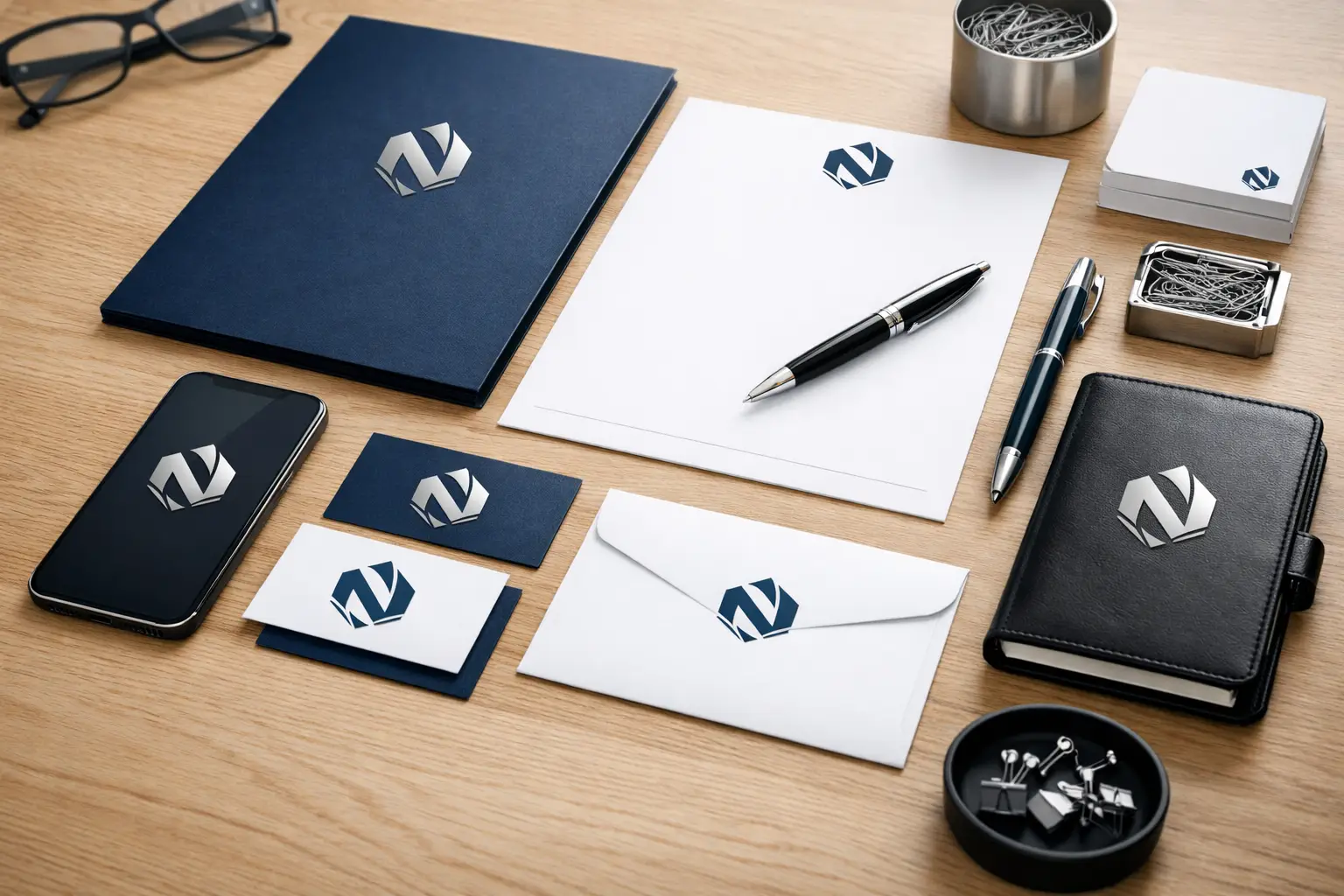
Your stationery system works hardest when several pieces appear together. Consider the experience of receiving a proposal in a branded folder with a business card, letterhead cover letter, printed scope of work, and supporting brochure. None of those items needs to be overly elaborate, but together they communicate preparation and reliability.
The same principle applies to events, onboarding packages, direct mail, and customer follow-up. Coordinated print materials make it easier for people to recognize your organization and understand what action to take next. When appropriate, print can also be paired with signage, promotional products, embroidered apparel, or screen-printed items to create a more complete brand presence.
For organizations in Kamloops and surrounding communities, working with a local print provider can make this coordination simpler. Noran Printing can help businesses review existing materials, set practical print specifications, manage recurring orders, and keep a wide range of branded products under one roof.
A well-managed stationery system should make daily work quieter. Staff know which files to use, customers receive clear and professional materials, and reorders happen before supplies become a problem. That kind of consistency is not flashy, but it is one of the most dependable ways to show that your organization is prepared to do good work.