
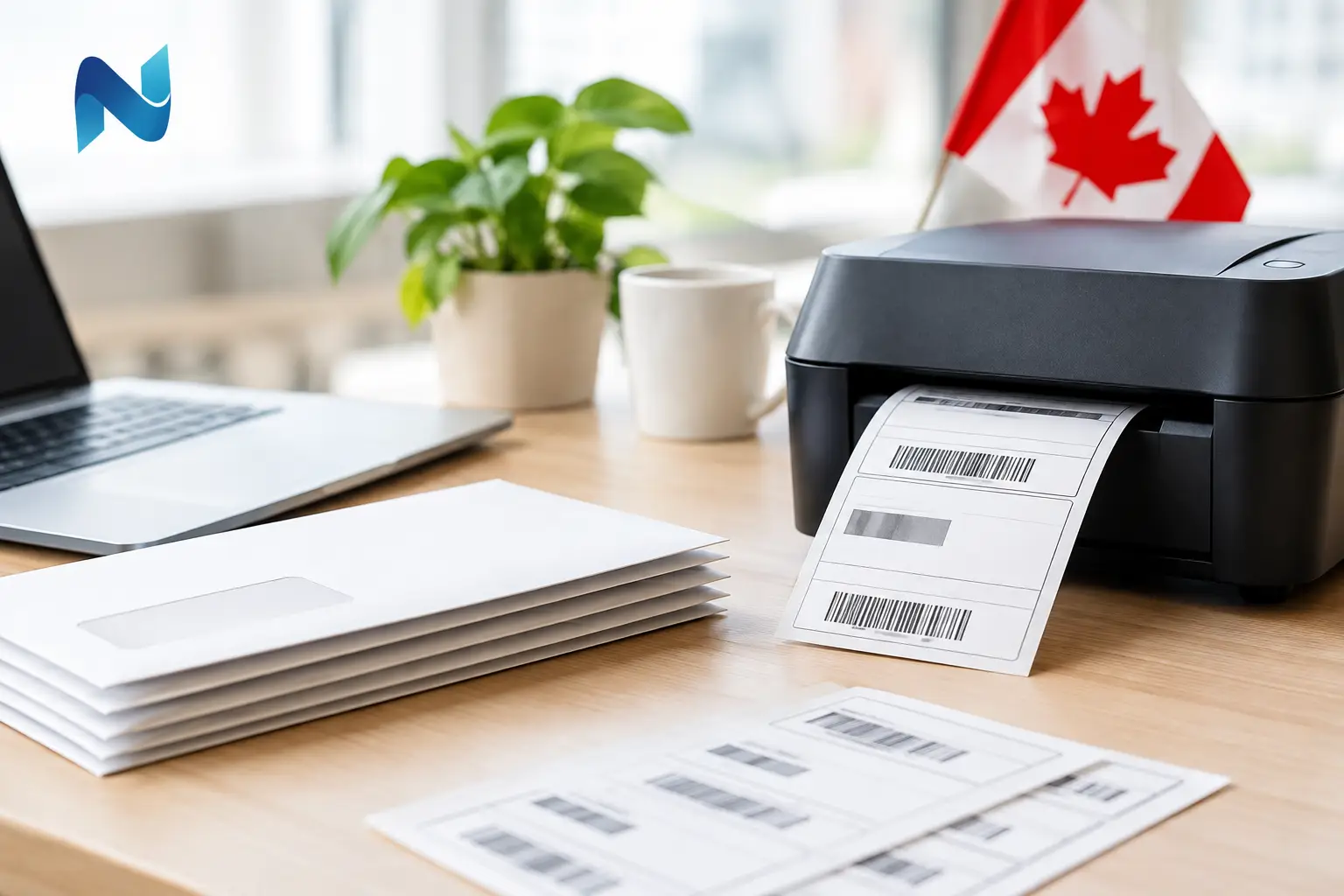
A mailing label that is one line too low, uses an outdated postal code, or prints off-center can slow down an entire campaign. Learning how to create mailing labels properly starts before the label sheet goes into a printer. It starts with accurate recipient data, a clear purpose, and a format that suits the job.
For a small customer mailing, return-address labels may be all you need. For a fundraising appeal, appointment reminder, event invitation, or product shipment, labels may need names, addresses, variable details, branding, and postal requirements. A little planning protects your budget, your schedule, and the professional impression your organization makes.
Start With the Purpose of the Mailing
The purpose determines the label size, material, layout, and quantity. A standard address label for envelopes needs enough room for a recipient name, company name, street address, and city, state, and ZIP code. A shipping label may need more space for a return address, handling instructions, order details, or a barcode.
Think about where the label will be applied. Smooth paper envelopes, corrugated boxes, file folders, plastic containers, and refrigerated products do not all call for the same adhesive or stock. Paper labels work well for many everyday mailings. A durable synthetic label can be a better fit when moisture, abrasion, or frequent handling is expected.
Also decide whether the information will stay the same on every label. If every piece uses one address, a simple static label file is efficient. If each label has a different recipient, you need variable data printing or a mail merge setup. This distinction affects both design and production.
Clean Your Mailing List Before Designing
The most attractive label cannot fix inaccurate data. Before you begin the design, review the address list carefully. Remove duplicates, correct obvious spelling errors, and separate information into consistent fields such as first name, last name, business name, address line one, address line two, city, state, and ZIP code.
Consistency matters. If some records list “Suite 200” while others use “Ste. 200,” choose one style. If business names appear in a separate column for some recipients but are combined with a person’s name for others, organize those records before merging. Clean fields make the final labels easier to format and reduce awkward line breaks.
For business and nonprofit mailings, it is also worth checking how current the list is. Returned mail costs money and can affect the timing of time-sensitive campaigns. If the list has not been used recently, ask staff to confirm key contacts or consider address verification before printing a large run.
Choose the Right Label Size and Layout
Label sheets and rolls are not interchangeable. Each product has a specific label width, height, corner shape, gap, and number of labels per sheet. Use the exact template for the label stock you have selected. A template that looks nearly identical can still shift the copy enough to create a poor result.
Common address labels are often arranged in multiple columns and rows on a letter-size sheet. They are practical for envelopes and postcards because they balance readability with efficient use of paper. Larger labels are better for packages, oversized envelopes, or mailings that require additional messaging.
Leave enough clear space around the address. A crowded label is harder to read and more likely to create postal processing issues. In most cases, a simple left-aligned layout with a readable font is the best choice. Decorative typefaces, very small text, and low-contrast colors may look interesting on screen but are not ideal for addresses.
Build in Safe Margins
Keep important text away from the label edges. Printers can shift slightly from sheet to sheet, particularly on smaller desktop equipment or pre-cut stock. A safe margin helps prevent names and postal codes from landing too close to the edge or being clipped.
If you are adding a logo, place it where it supports the layout without competing with the address. A small logo or return address at the top can work well. For large mail campaigns, prioritize the recipient information first. The label still needs to do its primary job quickly and clearly.
How to Create Mailing Labels With Mail Merge
For personalized labels, mail merge is usually the most practical method. It connects a spreadsheet or database to a label template, then inserts each recipient record into the correct position. This approach is far more reliable than copying and pasting addresses one at a time.
Start by saving your recipient list in a well-organized spreadsheet. Use one row per recipient and one column per data field. Avoid blank rows in the middle of the list, merged cells, unusual symbols, and formulas that may not transfer properly. Give each column a clear header, such as First Name or ZIP Code.
Next, select the correct label template in your document software or design program. Insert the fields in the order they should appear, then apply the same formatting to all labels. A typical layout may place the recipient name first, followed by a company name where applicable, then the street address and city, state, and ZIP code.
Before producing the full run, preview several records. Look at long names, multi-line addresses, suite numbers, and records without a company name. These are the entries most likely to reveal a spacing problem. Adjust font size, line spacing, or field placement as needed, but avoid making the text so small that it becomes difficult to read.
Test Print Before Running the Full Job
A test print is one of the best safeguards in label production. Print the design on plain paper first, then place that sheet behind a label sheet and hold both up to a light. This lets you see whether the text aligns with each label position before using your actual stock.
Once the placement looks right, print one sheet on the real labels. Check the first label, labels near the middle, and labels at the bottom of the page. Alignment can change across a sheet, especially if the printer feed is not perfectly consistent.
Desktop printing is a sensible option for short runs, internal mail, or occasional use. It becomes less efficient when the list is large, the design includes variable information, or you need consistent results across multiple batches. Ink coverage, label adhesive, printer heat, and sheet feeding can all affect the outcome.
Select Materials That Match the Job
Not every mailing label needs premium materials, but the wrong material can create avoidable problems. Standard paper labels are cost-effective for routine envelopes and direct-mail pieces. They print cleanly and are easy to write on if staff need to add a note or date.
For packages, outdoor applications, or labels exposed to handling, moisture, or temperature changes, consider a more durable stock and adhesive. Permanent adhesive is appropriate for labels that should stay in place. Removable adhesive is helpful for temporary identification, file management, or event materials that need to come off cleanly.
Finish also matters when branding is part of the label. Matte labels are easy to read and write on. Gloss labels can make colors and images stand out, but glare can reduce readability if the text is small. The right choice depends on the use, not simply on appearance.
Know When Professional Label Printing Helps
A professionally produced label run gives you more control over color, stock, finishing, and consistency. It is especially useful for recurring customer mailings, seasonal campaigns, event invitations, product labels, or any job where a misaligned sheet would create waste or delay.
Professional printing also makes variable data projects easier to manage. Each label can carry different names, addresses, membership numbers, offers, or event details while maintaining the same approved layout. That is valuable for organizations that want personalized communication without sacrificing accuracy.
For Kamloops businesses and community organizations managing multiple print needs, working with one local print partner can also simplify the process. Noran Printing can help determine the right label format, material, quantity, and production method before a mailing reaches the press.
A Final Check Before Labels Go Out
Before applying labels, review a sample against the original data source. Confirm the return address, recipient fields, postal formatting, spelling, and placement. Check that labels adhere properly and that no copy is smudging or lifting at the corners.
The best mailing labels rarely call attention to themselves. They arrive clean, readable, correctly addressed, and consistent with the standard your organization wants customers, donors, members, or partners to see.